How My Company Uses AI Automation for Business to Work Faster
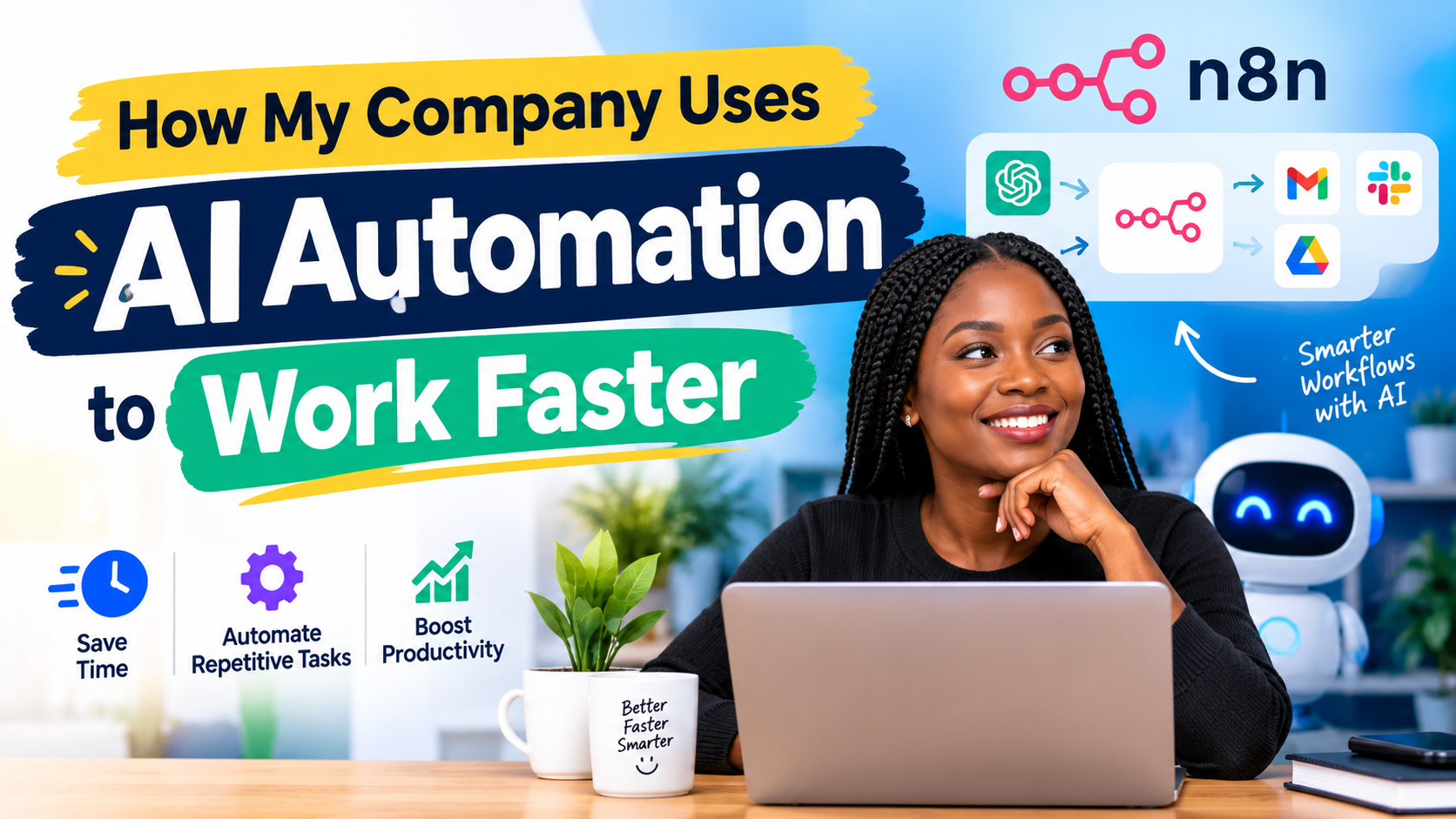
How My Company Uses AI Automation for Business to Work Faster
Some of you are still joking with AI automation.
Let me show you how we are using AI automation for business to reduce repetitive work and become more productive at BetterWhole Technologies.
This is not just about asking ChatGPT a question and getting an answer. We are building an automation that can take a task that normally requires several manual steps and handle most of those steps for us.
Let me show you one example.
How We Use AI Automation for Business
One of the things we work on is educational content, including lesson notes for schools.
For this particular example, I have an existing lesson note that we previously worked on. The subject is Marketing for SS1.
Normally, if we wanted to update this lesson note, somebody would have to open the document, read through it, check the curriculum, make the necessary changes, format everything, convert the document to PDF and then save it somewhere like Google Drive.
But now, I am using AI automation to handle this workflow.
So, I upload the lesson note into the automation.
Step 1: The AI Reads the Existing Lesson Note
The first thing I tell the automation to do is to analyze the document I uploaded.
The document is an existing SS1 Marketing lesson note.
The AI reads the contents of the document and tries to understand what the lesson note is about.
It is not just taking one sentence from the document. The idea is for the automation to process the content and understand the material before moving to the next stage.
At this point, the automation is analyzing the document.
It reads through the lesson note and identifies the topics and information contained in it.
Step 2: Update the Lesson Note
After analyzing the existing lesson note, I give it another instruction.
I tell the AI that based on the present curriculum, it should help rewrite and update the lesson note to reflect the current requirements.
This is where the automation becomes really useful.
Instead of starting the lesson note from scratch, we are giving the AI an existing document as a starting point.
The automation can then work through the content and prepare the updated lesson note.
It goes from Week 1 down through the different weeks in the lesson plan.
So, while I am doing other things, the automation is working on the document.
Step 3: Prepare the Content in HTML
After the lesson note has been rewritten, the workflow moves to the next stage.
The content is prepared in HTML format.
Why HTML?
Because HTML gives us a structured way of controlling how the final document looks. We can define headings, paragraphs, tables, sections and other parts of the lesson note.
So the AI does not just give me plain text.
It prepares the content in a structured format that can be processed by the next stage of the automation.
Step 4: Convert the Lesson Note to PDF
After preparing the HTML, I tell the automation to convert the lesson note into a PDF.
This is another part that would normally require someone to manually take the content, format it properly and export it.
But the automation handles it as part of the same workflow.
Once the PDF is created, the process continues.
Step 5: Save the PDF to Google Drive
The next thing the automation does is save the finished PDF to my Google Drive.
So, let’s look at what we have at the end.
I have the SS1 Marketing lesson note that has been processed through the automation.
And this is the final outcome.
The lesson note has been written and properly structured. It contains the different weeks, starting from Week 1 and continuing through the rest of the lesson.
The automation has also handled the formatting and prepared the final document.
And remember, I did not manually go through every single week to create the document.
I uploaded the existing lesson note, gave the automation the instructions, and allowed the workflow to do the repetitive work.
This Is Why AI Automation Is Interesting
This is why I keep saying that companies need to start looking seriously at AI automation for business.
AI automation is not only about generating text.
It can be used to connect different tasks together.
In this example, we have something like:
Upload lesson note → Analyze document → Update content → Prepare HTML → Convert to PDF → Save to Google Drive
All of these steps are connected.
That is where I see the real value.
Instead of using AI as just another tool where you manually copy and paste things, you can build a workflow where different parts of the work happen automatically.
We Are Becoming More Productive
This type of automation is helping us reduce the amount of repetitive manual work that needs to be done.
It does not mean that people are no longer important.
In fact, I still need people to provide the instructions, review the results, make decisions and ensure that the final educational content is actually useful.
But instead of spending hours doing repetitive work, the team can spend more time on things that require human attention.
That is the part that excites me.
We can do more work without simply adding more manual processes.
And as a company, that means we can become more productive.
AI Automation Is Not Just for Big Companies
Another thing I want people to understand is that you don’t have to be a huge company before you start using AI automation.
Even a small business can look at its daily activities and ask:
What do we do repeatedly?
What takes a lot of time?
What involves copying and pasting information from one place to another?
What can be handled automatically while a human still reviews the final result?
Those are good places to start.
You don’t have to automate everything at once.
Start with one process.
Build it.
Test it.
Improve it.
Then move to the next process.
Final Thoughts
This is just one example of how we are using AI automation for business at BetterWhole Technologies.
I uploaded an existing SS1 Marketing lesson note, allowed the AI to analyze the content, instructed it to update the material based on the current curriculum, prepared the new content in HTML, converted it to PDF and automatically saved the final document to Google Drive.
That is a lot of repetitive work that the automation can handle.
And this is why I believe businesses and individuals should start looking at AI automation differently.
Don’t just ask, “What can AI do?”
Ask:
“What work am I doing repeatedly that AI and automation can help me handle?”
That question can open up a lot of possibilities.
AI automation is not about removing people from every process. It is about reducing unnecessary repetitive work so that people can focus more on productive and important tasks.
And for us, this is one of the ways we are using technology to work faster and become more productive.